Weekly English Minutes: rationing English audio in Jellyfin
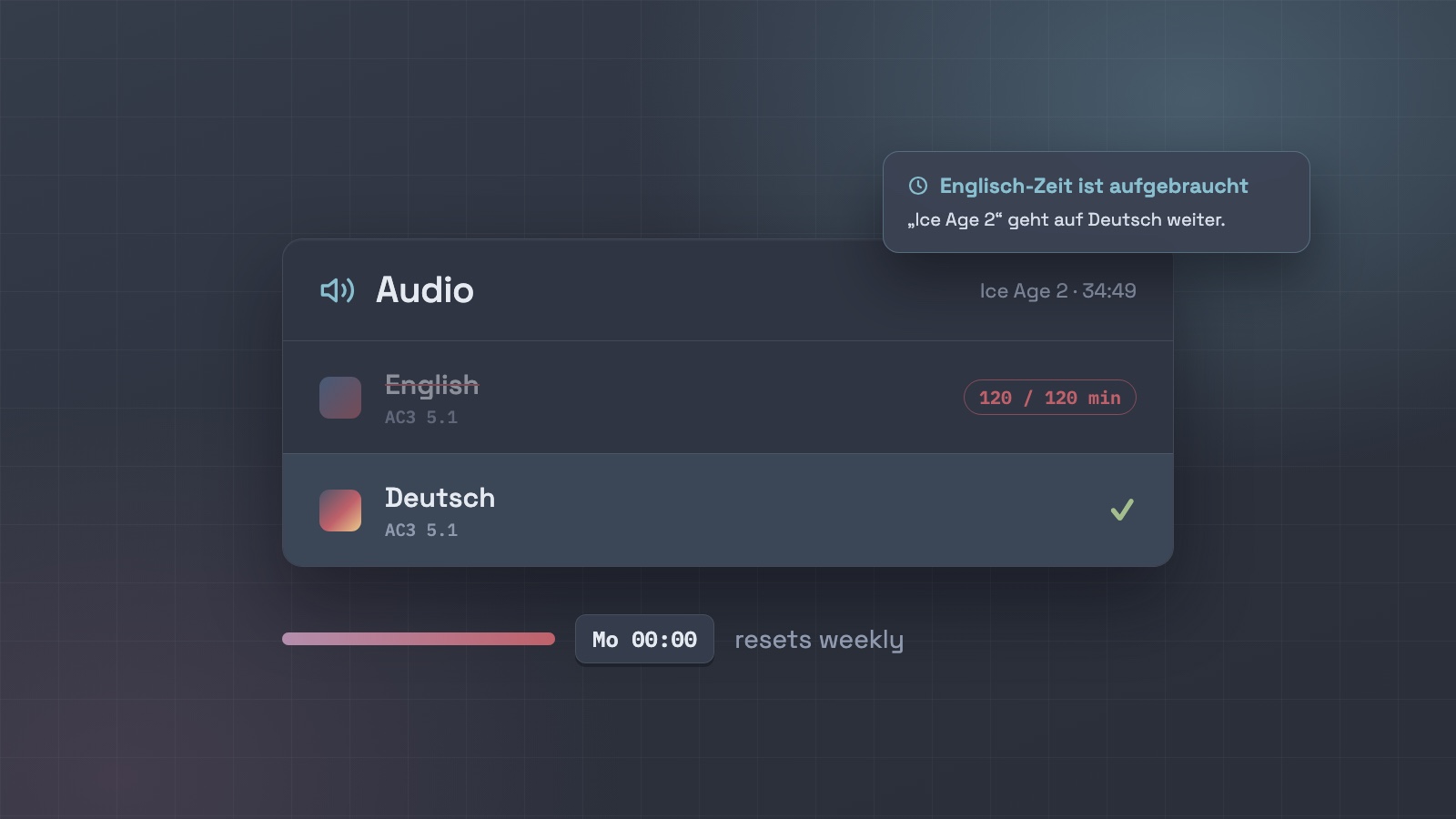
Our kids are learning German, and films are one of the easiest hours of German they get all week. Their Jellyfin accounts play everything in German by default, with English subtitles. But English is always one click away in the player’s audio menu, and one afternoon I found one of them a few minutes into Ice Age 2 in English.
Banning English outright felt heavy-handed. So instead each kid gets a weekly allowance of English minutes, and when it runs out the film switches itself to German, mid-scene. It’s the same instinct as Taschengeld: a small, predictable budget they manage themselves, not a rule I enforce by hand.
The problem
Jellyfin lets you set a preferred audio language per account, but it can’t hide an audio track from one user. Every track in a file shows up in everyone’s audio menu. The preference picks the starting track; it doesn’t stop anyone changing it.
What it does
- Counts English time: only minutes when a kid’s player is actually playing an English audio track. Paused time and German don’t count. Two devices at once count once.
- Separate per kid: each kid has their own weekly budget (ours is 120 minutes, about one film), resetting Monday at midnight.
- Heads-up first: a message pops up on their screen when 10 minutes are left.
- Switches mid-film: at the limit it changes the film’s audio to German without stopping it. Switch back, and a minute later it switches again. A film with no German track at all gets stopped instead.
- Parents can top up: one command grants extra minutes for the current week, for a rainy Sunday.
What the kid sees
Noch 10 Minuten Englisch Diese Woche hast du noch 10 Minuten Englisch. Danach geht es auf Deutsch weiter.
Englisch-Zeit ist aufgebraucht Deine Englisch-Minuten für diese Woche sind vorbei – „Ice Age 2“ geht auf Deutsch weiter.
The messages are in German on purpose. Even the enforcement is practice.
How it works
It’s a small Node script that a systemd timer runs every minute on the server. It uses only Jellyfin’s standard API, with no plugin:
| Step | Jellyfin API |
|---|---|
| See who’s watching what | GET /Sessions; PlayState.AudioStreamIndex names the audio track in use |
| Look up that track’s language | GET /Items?ids=…&fields=MediaStreams |
| Show a message | POST /Sessions/{id}/Message |
| Switch to German | POST /Sessions/{id}/Command with SetAudioStreamIndex |
| Stop (no German track) | POST /Sessions/{id}/Playing/Stop |
The minutes used are kept in a small JSON file. The rules themselves (what counts, when to warn, when to switch, the weekly reset) are pure functions with unit tests, so the logic can be checked without anyone watching a film.
Worth setting up first
- Account defaults. On each kid’s account, set the audio language preference to German, turn off Play default audio track regardless of language, and set subtitles to always on, in English. That alone does most of the work.
- An “Auf Deutsch” collection. Everything that has a German track, on one shelf. It makes the German choice the easy one before any limit comes into play.
- Check your language tags. The script trusts the file’s audio language tags, so a German track labelled
engwould count as English.
Caveats
The switch depends on the player accepting remote commands. Jellyfin Web in Chrome does: in testing, the audio changed about a second after the command, with a one-to-two-second rebuffer. I haven’t tested TV and console apps yet. If one refuses, the script logs it rather than failing silently.
The first real test was the one kid it was built for. I switched his film to English remotely to check the command worked, and he switched it back to German himself 17 seconds later.