Improve git hygiene with git add --patch
 Git Add Patch
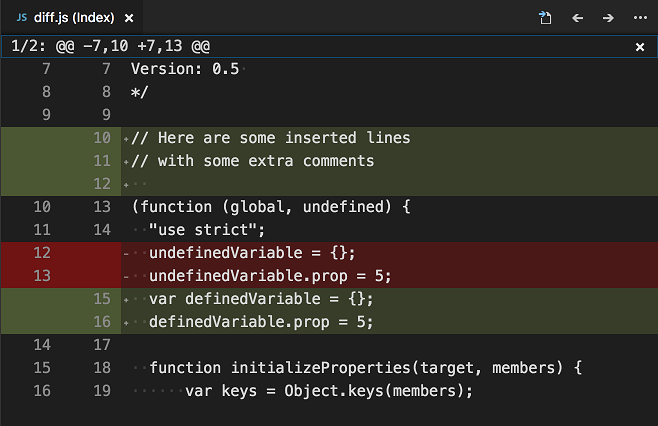
My experience was occasional (but never heavy) use of gitKraken to commit a certain section of code. However, most of my daily git work happens while using the VSCode Diff UI or via the CLI.
 VSCode Diff-Review-Pane
I use the CLI for many tasks such as:
- creating branches (
git checkout -b) - switching branches (
git checkout <branch name>) - viewing branches (
git branch) - removing branches (
git branch -D <branch name>) - interactive rebase (
git rebase -i) - checkout a branch using the hub tool (
hub pr checkout <pr number>)
(I put all the most common ones here just in case anyone wants to point me to the error in my ways ;-) )
So I’m not unfamiliar with the CLI but have not found it useful for file diffing. I guess I’d put myself in the category of being a very visual differ. In the past, and not necessarily with git, I have even found a tool called BeyondCompare to be so incredibly useful at diffing files, text, etc that I can’t really go back to just red/green in my terminal.
Fast-forward to today when I came across a tweet from @kyleshevlin
git add -phas become one of my favorite git commands. I recommend getting to know how it works, really helps you make better, atomic commits, even after doing bunch of work. 👍— Kyle Shevlin (@kyleshevlin), July 19, 2019
With the intriguing hook of “becoming one of my favorite git commands”, I was drawn in to explore. The deliverable of “better, atomic commits” meets the criteria for all good git hygiene improvement.
At first glance, I didn’t know what -p was or the verbose command behind it
(--patch). The first article I came across while searching (and there are
many) was:
I’d recommend his article as it was well written and a great place to start.
Here is a
general description
of -p/--patch:
-p, --patch
Interactively choose hunks of patch between the index and the work tree and add them
to the index. This gives the user a chance to review the difference before adding
modified contents to the index.
As the article and others will explain, adding -p to the git add command
will walk you through an interactive selection of chunks of code (instead of a
committing a whole file), allowing for adding just those chunks to your next
commit.
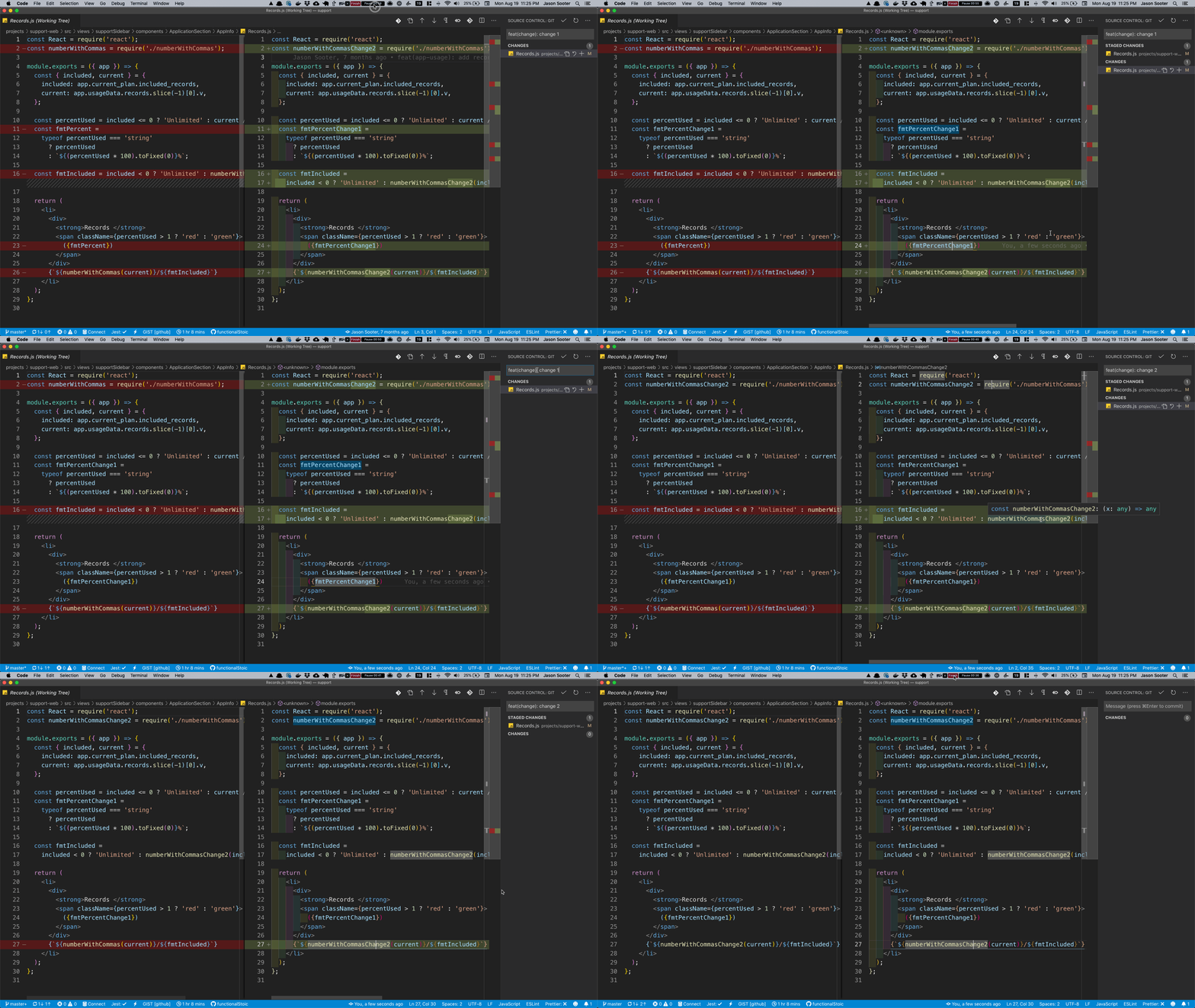
Simple enough, and I plan to integrate this much more often into my daily work. However, as this falls into the Diffing files category of my git usage, and I diff files with git inside of VSCode, I immediately started searching how to use this workflow inside the Diff UI of VSCode.
After a bit of searching, I determined this functionality is built in as the following commands:
git.stageSelectedRangesANDgit.unstageSelectedRanges
You can find them in the command menu along with the context-menu when right-clicking inside of a file. Great! Almost there…
Now I just needed a keyboard shortcut. This
Stackoverflow post covered
adding them as a keybinding including the right when context as well.
Adding this to your keyboard shortcuts/bindings will allow for pressing s and
u while highlighting a specific line/selection that has changed and staging it
for your next commit.
{
  "key": "s",
  "command": "git.stageSelectedRanges",
  "when": "isInDiffEditor && editorTextFocus"
},
{
  "key": "u",
  "command": "git.unstageSelectedRanges",
  "when": "isInDiffEditor && editorTextFocus"
}
I’m excited to use this new improvement for “better, more atomic commits”.
Thanks Kyle, Jacob and Markus for the inspiration to kick off that process!